Turn the software you already use into AI assistants that do real work
almyty connects to your company's systems, lets you build assistants that use them, and puts those assistants wherever your staff and customers already talk.
No credit card needed.
How it works
Three steps
Connect what you already have, build an assistant, and put it where people are.
Connect your systems
Build an assistant
Put it where people are
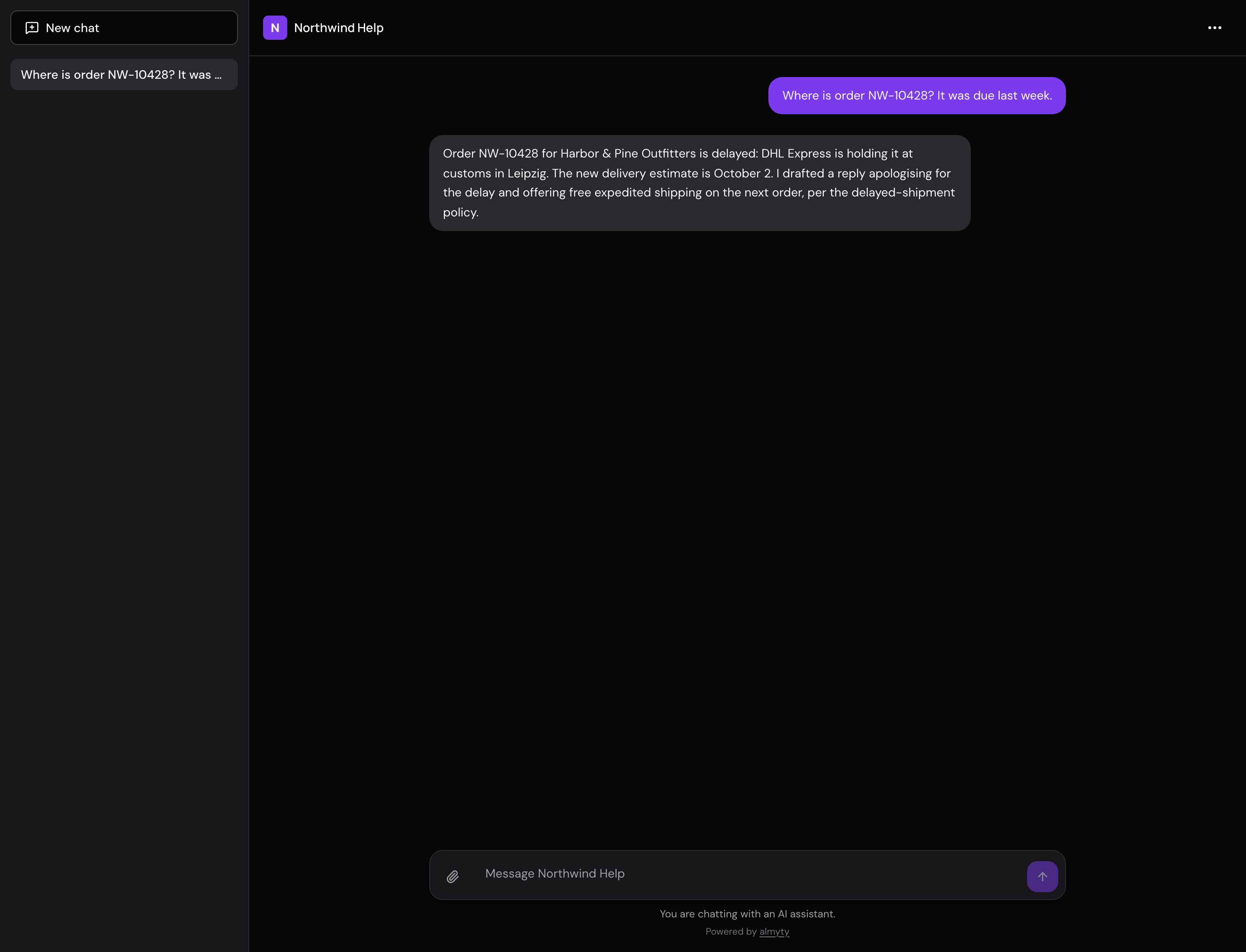
One assistant, many places
Build it once. Then add it wherever your customers and colleagues already talk. It answers the same way everywhere, and it can read the photos and files people send it, and reply with pictures and files of its own.
What you can do
Six things teams use it for
Each one has a short story and a step-by-step guide.
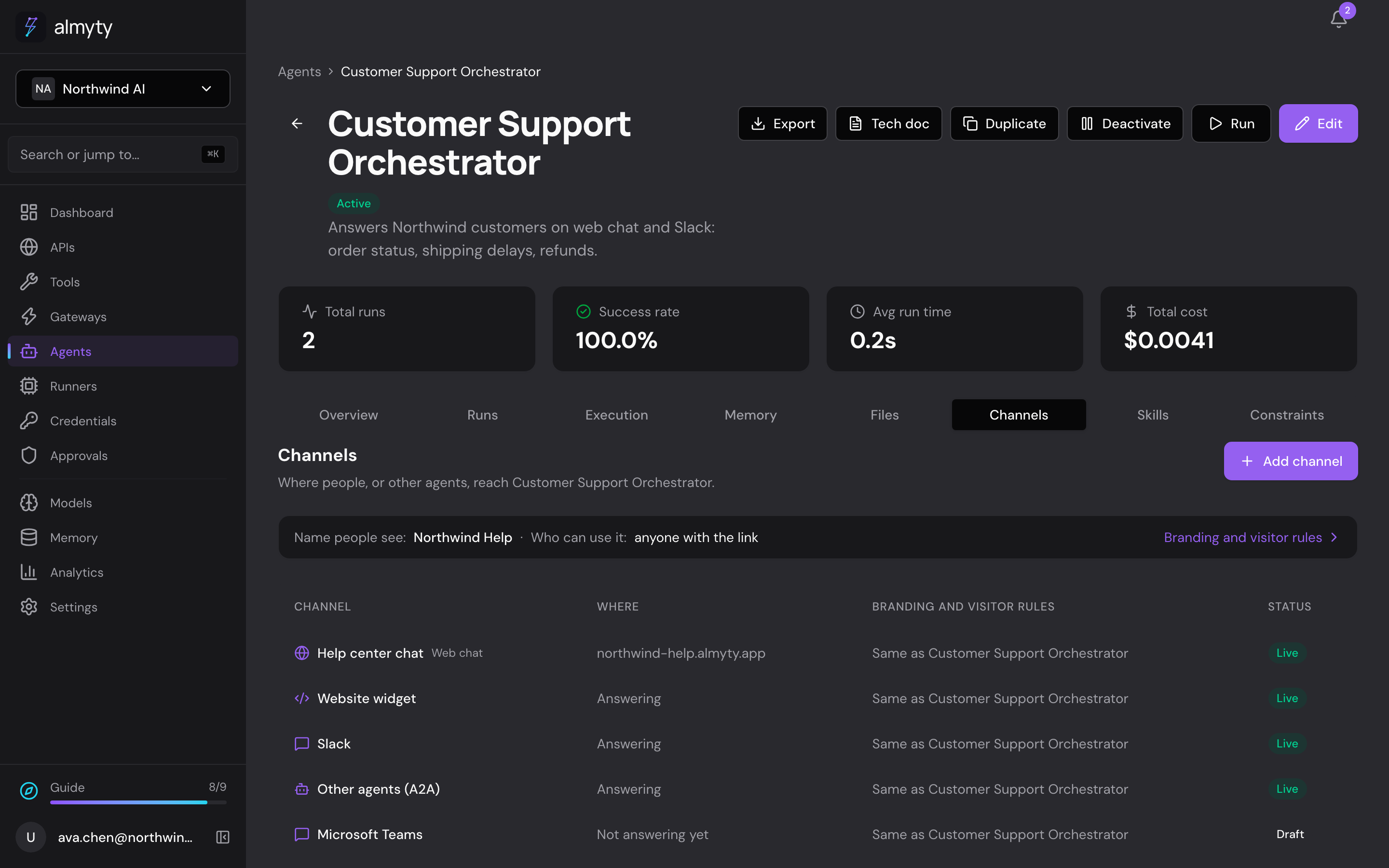
Customer support
Answer customers, day and night
Answers questions about orders and refunds on your website, WhatsApp and email, using your own order system, and asks a person before large refunds.
See how it worksSales
Walk into every call prepared
Briefs your account managers before a call and saves their notes after it, right inside Slack.
See how it worksMarketing
A product chat for your website and campaigns
Answers visitors' product questions from your own help center, on your website, landing pages, emails and ads, with a daily spending cap.
See how it worksOperations
A morning report on all your systems
Checks your systems every night and posts a short report to your team's Slack channel, leading with what needs attention.
See how it worksInternal help desk
Give your staff answers in seconds
Answers your colleagues' everyday HR, IT and office questions in Microsoft Teams or Slack, from your own systems and documents.
See how it worksFor developers
Your APIs in your coding tools, and jobs on your own machines
Use your company's APIs from Claude Code, Cursor or any MCP client, and let assistants run jobs on machines you control.
See how it worksSafe to use
You stay in control
Assistants that do real work need clear limits. These are built in.
Keys kept safe, in one place
Passwords and keys for your systems are stored encrypted and never shown again.
You decide who uses what
Choose which colleagues can use each assistant, key and system.
Spending caps
Set a limit per task, per day and per month. It stops there.
Limits for visitors
Cap how many messages an anonymous visitor can send in an hour.
Approval for sensitive actions
A refund over your limit waits until a person says yes.
A record of every action
See who did what, and what each assistant did, and when.
"You are talking to an AI"
People are told they are talking to an AI, on every channel.
Questions
Good to know
What is almyty, in one sentence?+
almyty turns the software your company already runs into AI assistants that actually do work, and puts them wherever your staff and customers already talk.
Do I need to be technical?+
No. Support, sales, marketing and operations teams build assistants themselves. Connecting a system for the first time sometimes needs a little help from someone who knows it, like your IT team or the software vendor. After that, everything is point and click.
Which AI models can I use?+
The big ones, like OpenAI, Anthropic and Google, and open models you run yourself. You can switch at any time, and one assistant can use several models at once, for example a cheaper one that drafts and a stronger one that checks.
Where does my data go?+
Your company data stays in your own systems. An assistant reads only what it needs for a task and sends that to the AI model you chose. You decide how long conversations are kept. You can also run almyty and an open model on your own servers, so nothing leaves your network.
What does it cost?+
You can start for free. Paid plans are a flat price per person. You pay the AI model provider directly with your own key, or buy credits from us.
Is it open source?+
Yes. The base of almyty is open source under the Apache 2.0 licence, and free to run on your own servers. Features for larger companies, like single sign-on, are part of the paid plans.
Get started
Three ways to start
Pick the one that suits you. You can change your mind later.
Use it online
Create a free account and build your first assistant today. We run everything for you.
Run it yourself
The base of almyty is open source. Run it on your own servers, free, with your data in your network.
Get help from us
Tell us what you want your first assistant to do, and we help you connect your systems.
Start with one assistant
Pick one job your team does every day. Connect the system it needs, build the assistant, and put it where people already ask.